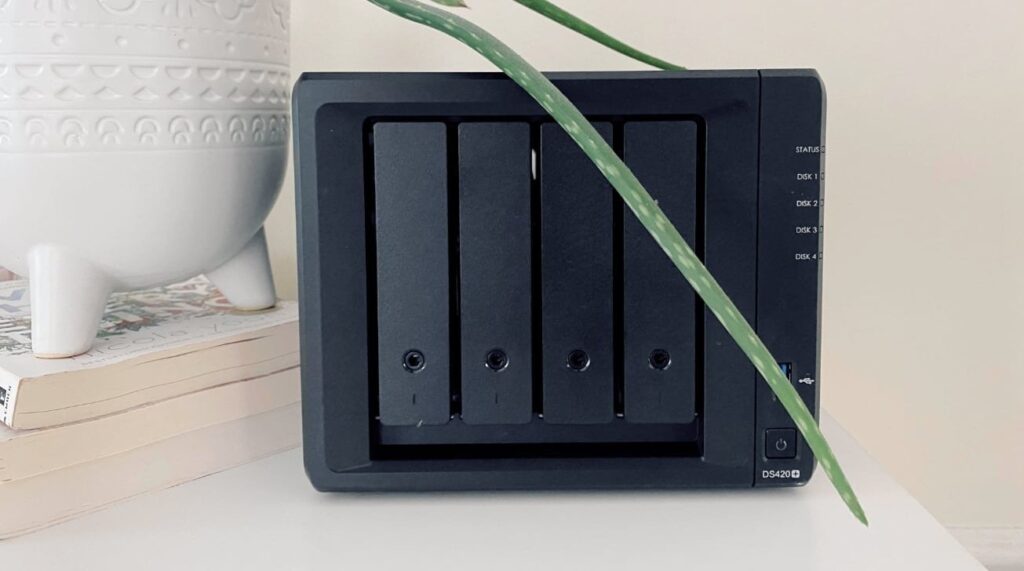
Synology NAS owners should take their network storage devices offline and manually update them as soon as possible, especially for older drives.
The discovery of vulnerabilities in PHP has led large sections of the Internet to update servers to fix software flaws. This not only affects commercial web servers, but also poses a problem for home NAS units, including those with Internet-accessible services.
The PHP fiasco should have been a warning to everyone to start updating their devices more regularly. Not only to protect yourself from PHP vulnerabilities, but also from other existing and older security threats.
The problem is, while some NAS vendors have patches to address security issues, not all devices will automatically receive the crucial update. Some users really need to check the network hardware.
In some cases, even though the software may indicate that there are no updates available, there may be some important ones that it doesn’t tell you about.
This seems to be what happened to some Synology users.
Not exactly up to date
Some Internet users are finding that their NAS has been attacked by ransomware. The attackers exploited the PHP vulnerability and encrypted their data.
The report references a Reddit report of a Synology DS918+ being attacked by ransomware. In that case, the user used 3-2-1 backups, so he didn’t end up losing his data.
Analysis of the attack revealed that the solution against that attack was available in “Update 6” released in November 2024. Their NAS was updated to the previous update.
Another Reddit user explained that an attack occurred on his Synology DS2422+ on October 29th. Dubbed the “C3RB3R” attack, 70TB of data was encrypted as part of a similar ransomeware attack, complete with a demand for $3,000 in Bitcoin.
The real problem here wasn’t the lack of availability of patches, but their implementation. Or really, how some hardware still updates automatically and others seem to, but actually don’t.
Synology’s DSM manual says that devices from 2025 onwards have automatic updates, but it doesn’t say that older hardware is configured the same way. This apparently indicates that older models do not have this feature enabled by default and must be configured to update automatically.
Complicating matters further is that users check their NAS drives and see messages like “You are fully updated to the latest version,” even though in reality the NAS has stopped automatically updating in the background.
Ideally, the message should have said that automatic updates have been stopped for some reason, such as an end-of-life update policy, requiring users to manually perform updates.
As a result, some users check their NAS and see that everything is fine and “up to date” regarding the NAS itself. But the reality is that it is overdue and still vulnerable.
Be proactive about safety
To anyone with a Synology NAS, or frankly, any device that can be accessed from outside your local network, AppleInsider recommends setting up a schedule to regularly check for updates.
This doesn’t mean just checking out an automatic update tool and taking it for granted. Actually visit the software manufacturer or developer’s support pages to check directly.
AppleInsider has repeatedly advised its readers to regularly update their devices for security reasons. While we frame this as a way to protect your Apple devices, the same advice applies to the rest of your hardware ecosystem.
It’s always better to be proactive and take the time to protect your data, rather than be too late and lose everything.