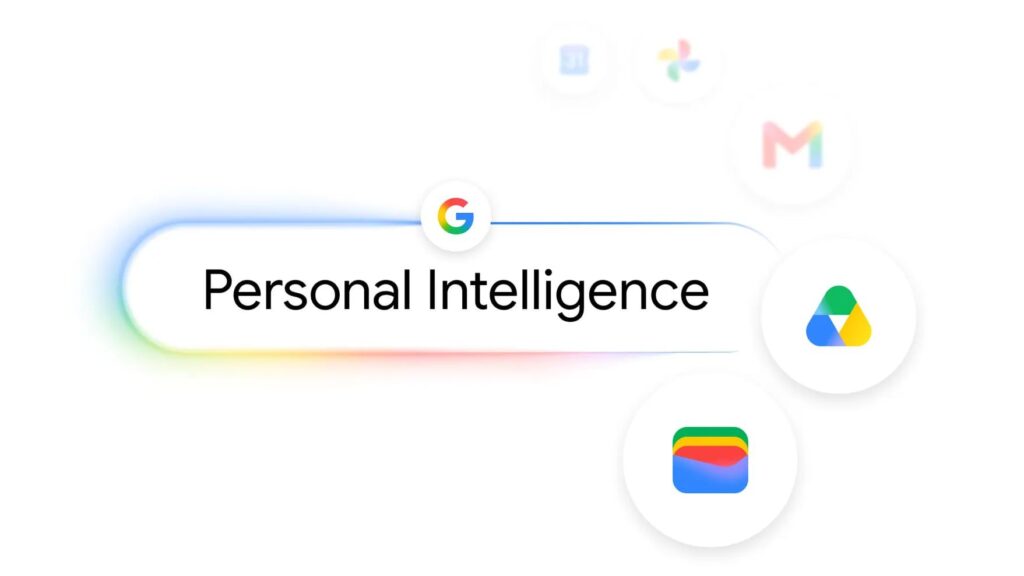
Google said today that it’s making search “more personalized” with support for connecting Google Wallet to Personal Intelligence in AI mode.
According to Google, the AI mode will be able to map financial milestones, find ways to reduce expenses and make the most of credit card benefits. The feature can read information from accounts included in Google Wallet, but it cannot move, manage, or invest money.
In the coming weeks, Google plans to add connections for Google Drive and Gemini to Google Search. Google Drive will allow Search to access documents, sheets, PDFs and more, with search responses that take your personal information into account.
The Gemini integration will allow both the Gemini app and the AI mode in search to share context and content. Google says that if you ask the Gemini app something, the AI mode “will have that foundation to build on.” With today’s announcement, Google says you’ll start seeing more personally relevant answers based on recent search context in both AI mode and AI overviews. Responses that use your personal data will soon have a “Personalization” icon under them so you can see what data was used.
AI mode can already connect to Gmail, Calendar, and Photos for personalized search responses. Connecting apps to AI mode and search is optional, and Google doesn’t enable it by default. Services can be connected to Personal Intelligence in AI mode by opening Search Personalization and choosing Connected Apps.
In that section you can also make sure no apps are connected or disable personalization if you don’t want to share additional data with Google. We recommend that you access Search Personalization while signed in to a Google Account to turn off personalized recommendations, search history, likes and preferences, personalized ads, and other features that Google uses to collect data. Additional controls are found in Personalization Settings.
If you’ve been using Google’s Gemini, you can turn off the setting to save your chat history and separately block Google from training AI models on your content, a change that began on November 16. With chat history turned off, Google still keeps your chats for about two months. The best way to minimize what Google collects is to use Google services as little as possible. Consider a search engine like Kagi that pays with money instead of data.