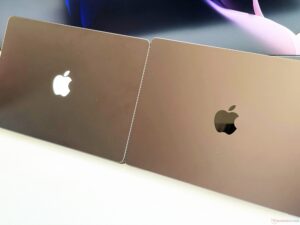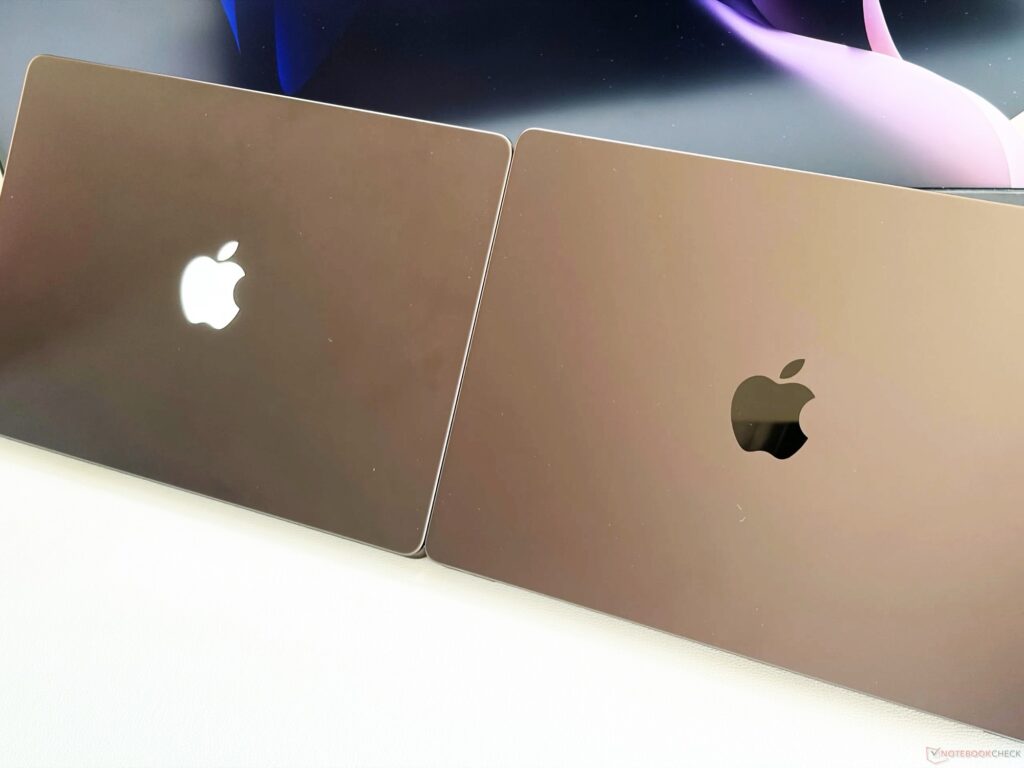
The new MacBook Pro with OLED display is more expensive than its predecessor, but offers not only an OLED touchscreen and a slightly thinner and lighter chassis, but also an Apple logo with integrated lighting. Unlike in the past, however, it uses dedicated LEDs instead of the display backlight to illuminate the logo.
This increases energy consumption, but has the advantage that the LEDs can not only be turned off, but also controlled via software. Developer Juan Buis’ Backglow app now gives users control over these LEDs, allowing them to, among other things, turn the logo on and off with the touch of a button, adjust its brightness, or activate a “breathing” effect that gradually decreases the brightness and then increases it again. You can also link the brightness to the battery level.
Those who purchase the Pro version for $9 get two additional features. First, the ability to use the glowing Apple logo as a visualizer for the music currently playing. Secondly, the Claude Code integration: while the bot works, the logo flashes slowly, but when the user’s attention is required, it flashes quickly. The app also allows the logo to stay on even when the laptop is closed and the display is turned off. The Backglow app shows how macOS software could use the Apple logo in the future to communicate with users without them having to look at the screen, much like the Glowbar on Googlebooks.
Since 2009 I have been writing for various publications with a focus on consumer electronics. I joined the Notebookcheck news team in 2018 and combined my many years of experience with laptops and smartphones with my lifelong passion for technology to create informative content for our readers about new developments in this space. Furthermore, my background in design as an art director at an advertising agency has allowed me to have a deeper insight into the peculiarities of this sector.